Free
For you, family and friends
$0
- Keep 3 designs in My designs
- Download ready-to-print pots without an account
- Print for yourself, family and friends
- Not for sale
Parametric planter studio
KUZE Potforge is a planter designer that runs in your browser. Shape the wall, wrap it in any of 100+ surface patterns, cut the rim and add drainage. Then download an STL and send it to your 3D printer.
Hard to drag on a phone? It's easier on a desktop.
Drag the profile points to reshape the pot. Patterns use the editor's own maths; open Potforge for all 100+ in full 3D.
Made with Potforge
Every pot here was designed in Potforge and printed from the STL it exports. No CAD in between.
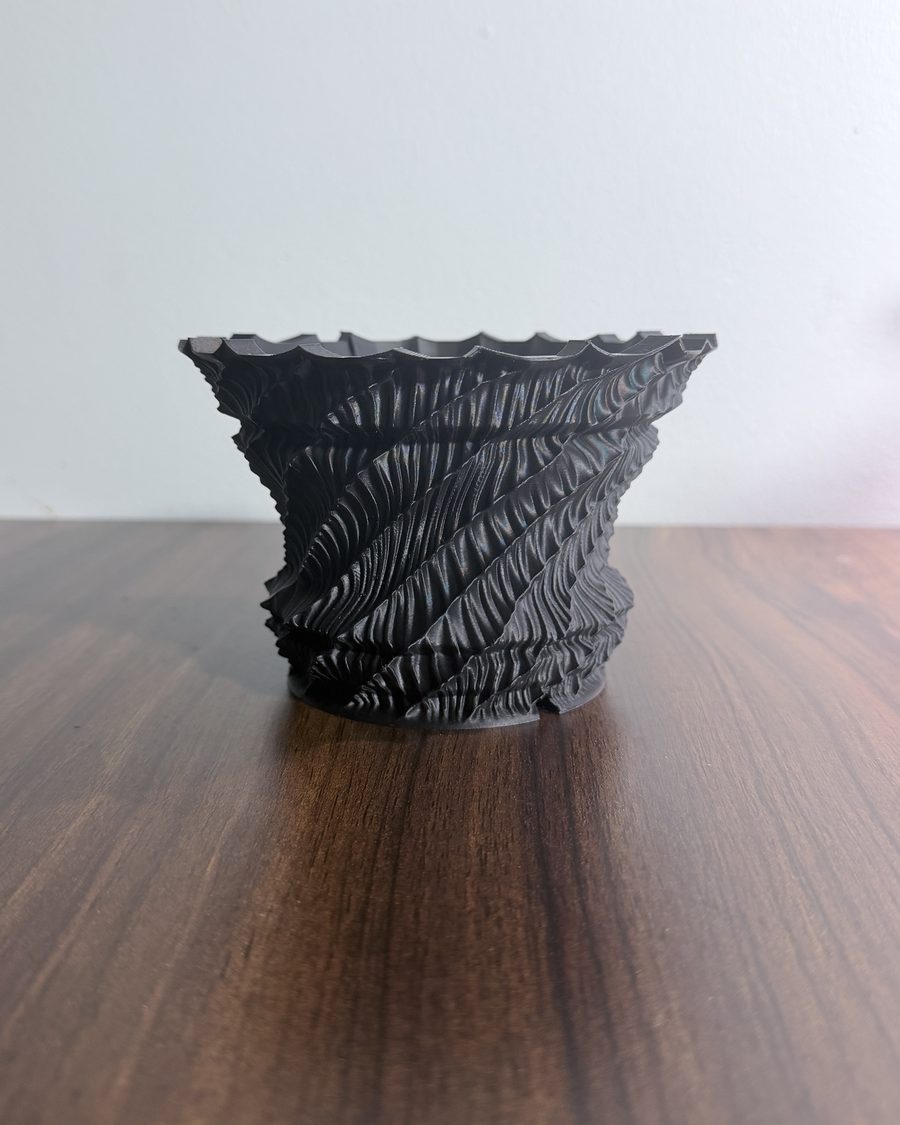
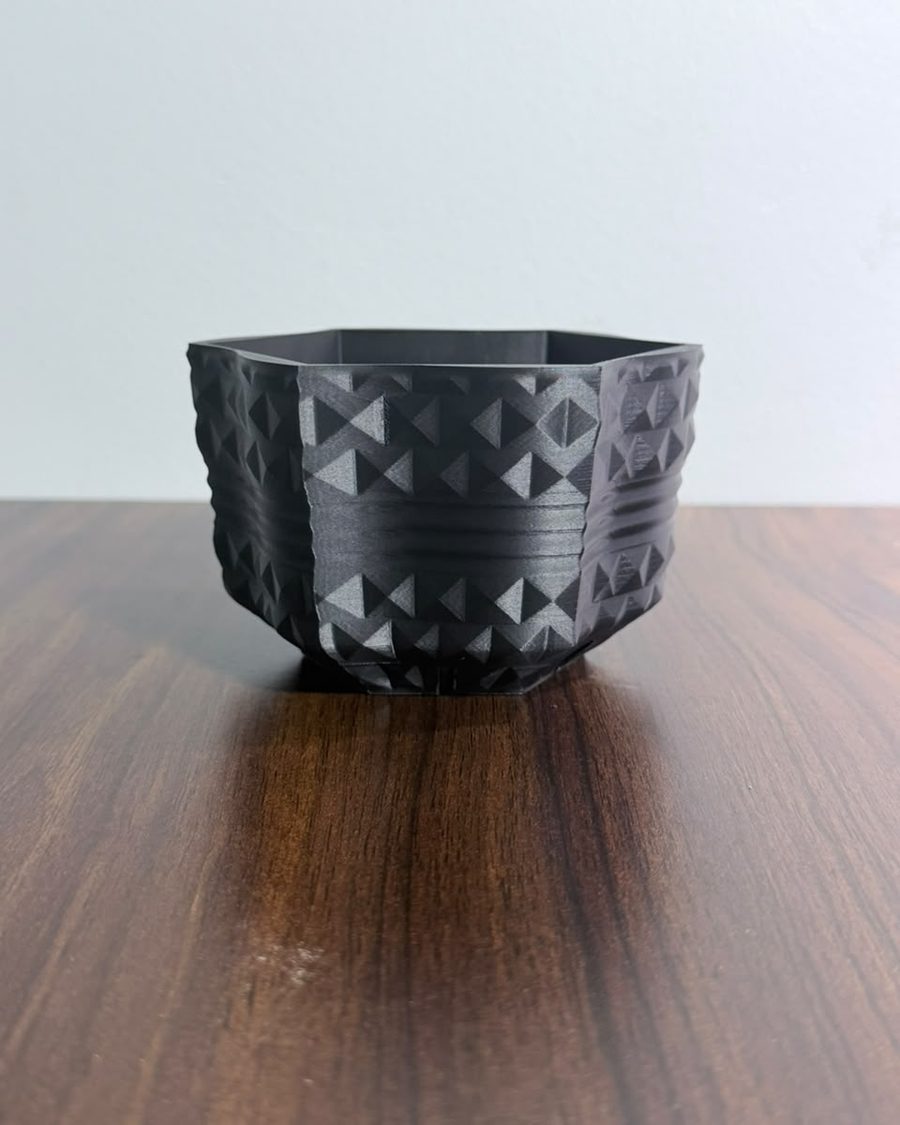
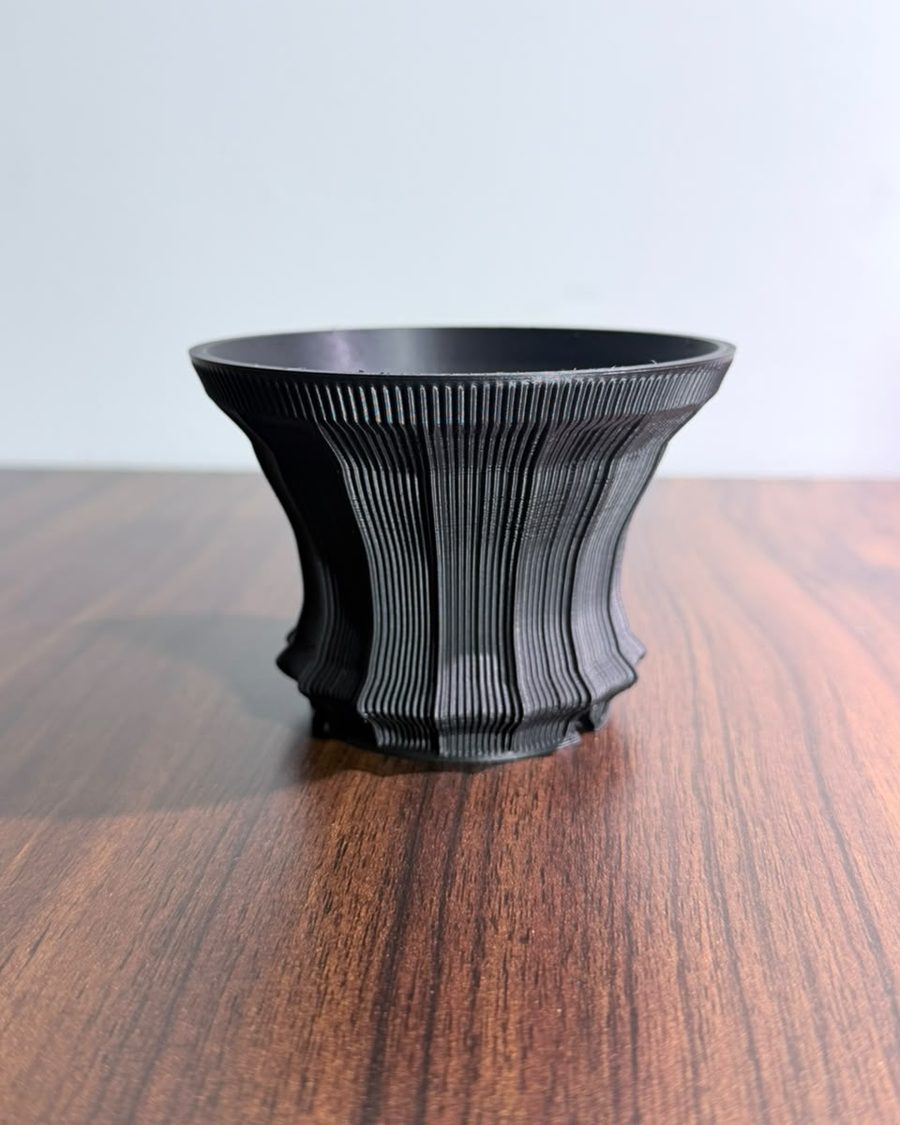
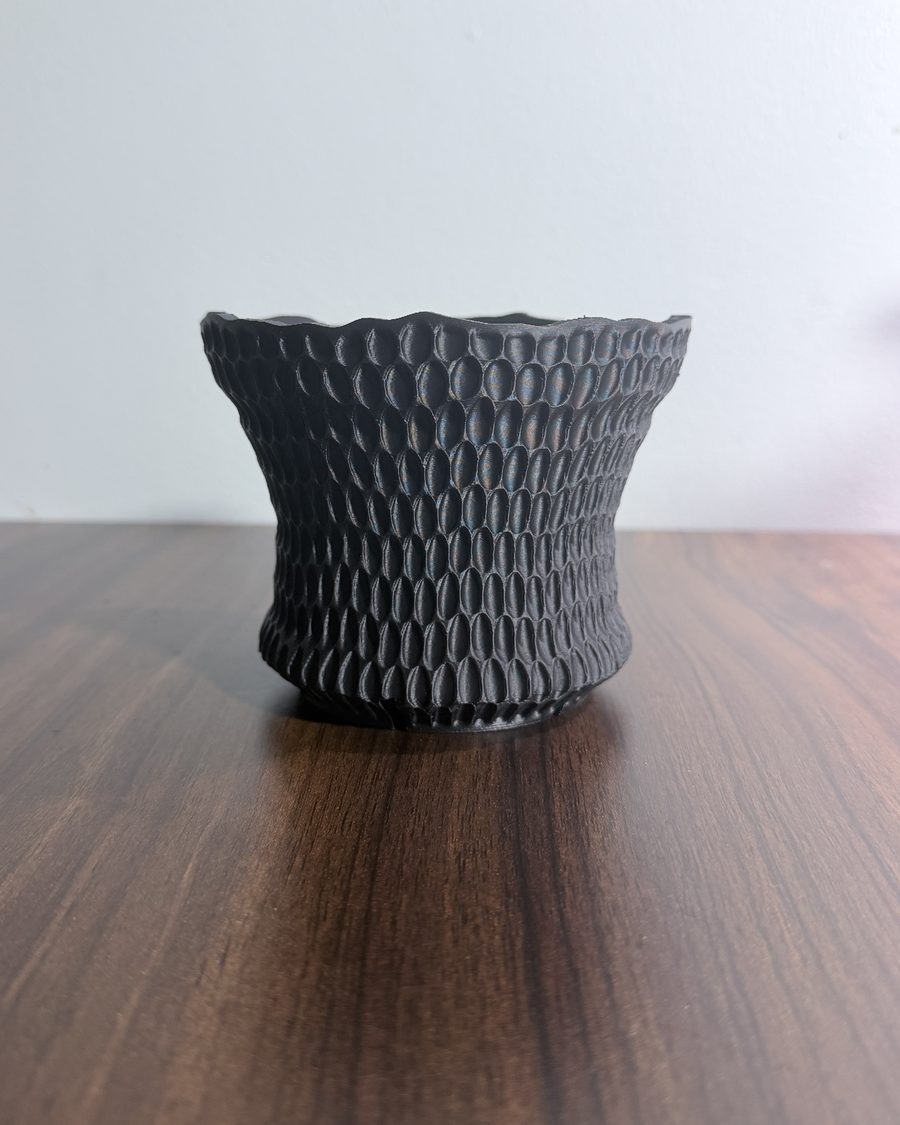
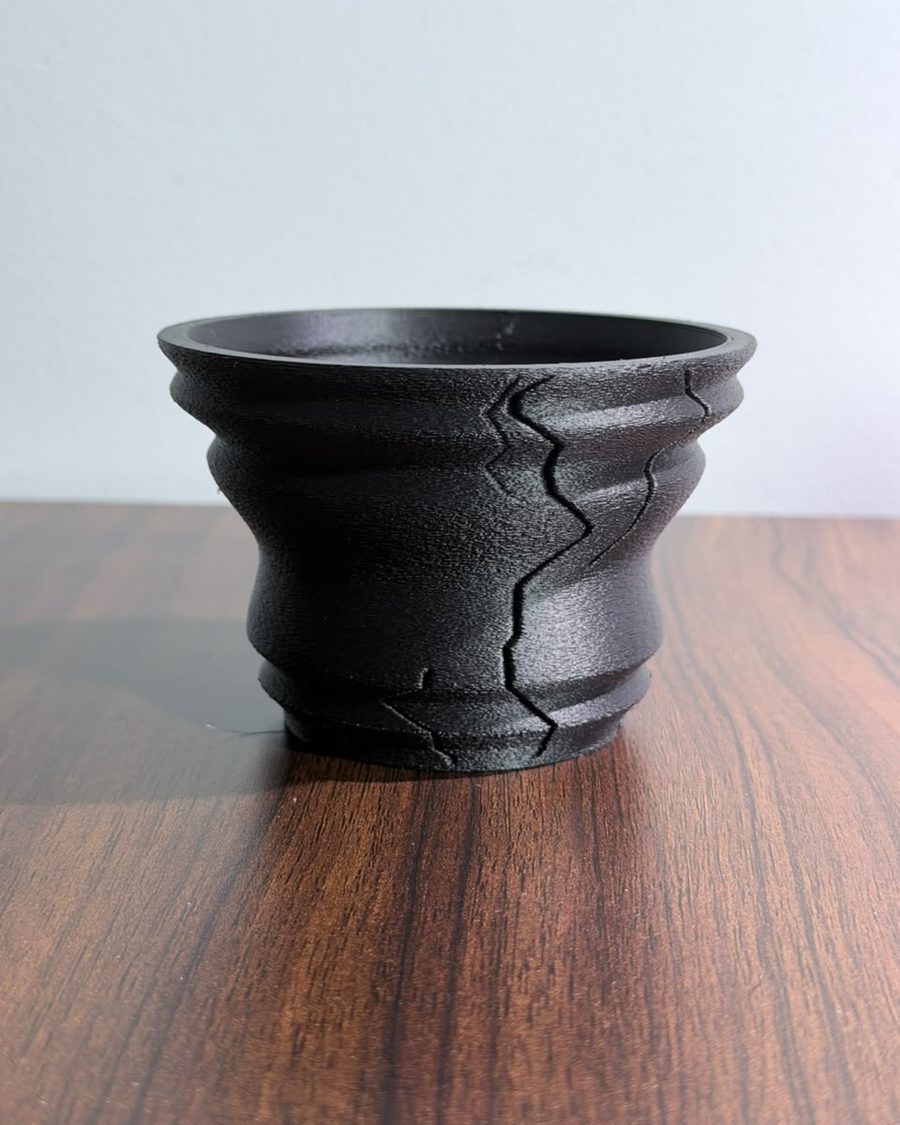
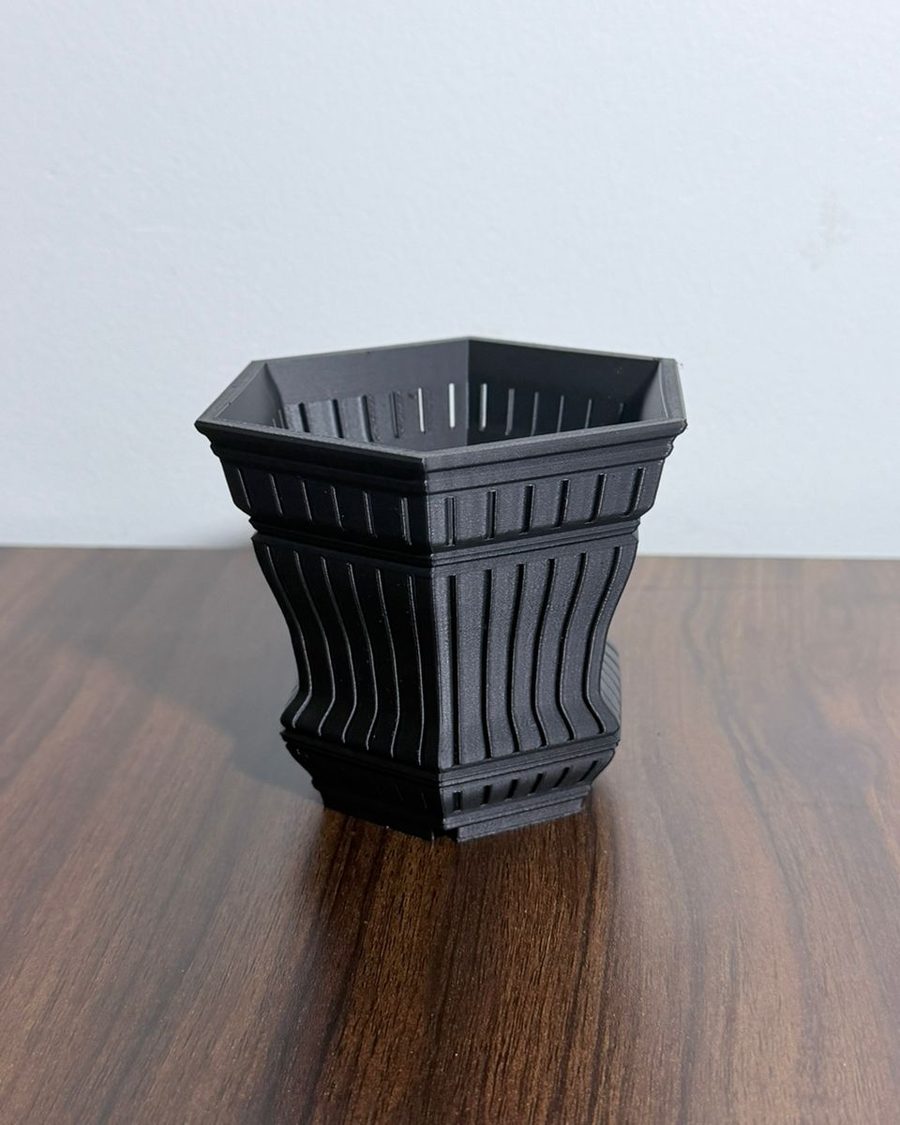
Ready to print
Potforge keeps a shelf of finished pots, every one designed in it. Download one as it is, with no account, or open it and make it yours.
How it works
Open a ready-to-print pot, or begin from the shape the editor opens with.
Height, width, sides, twist, ribs and waves. Choose a surface pattern and a rim cut, then set drainage and legs. The 3D preview follows every slider.
Open it in Bambu Studio, OrcaSlicer, PrusaSlicer or Cura. Your own designs are saved to My designs first, which is free for three.
In the editor
Centre holes or a honeycomb grate, with a drainage plate that is either part of the pot or printed separately.
Stand the pot on legs with a recessed underside, or give it a solid, flat bottom that prints without supports.
Preview terracotta, bronze, pistachio, cream glaze and ten more finishes before you pick a filament.
Set the mesh quality before you download, from light files for quick prints to fine detail for textured walls.
Plans
Free keeps 3 designs for anything but selling. Commercial keeps every design you make and lets you sell what you print.
For you, family and friends
$0
For sellers, billed monthly
$12 / month
For sellers, billed yearly
$120 / year
Prices are in US dollars. Commercial is billed monthly or yearly: upgrade inside the app, and cancel any time; your plan runs to the end of the period you paid for. Refund policy
Questions
Not to design, and not to download a ready-to-print pot. To download a design you made or changed, save it to My designs first. That needs only a Google account or an email address: sign in with Google, or with a link we email you. No password.
Yes. Designing is free and there is nothing to install. Ready-to-print pots download without an account, and the Free plan keeps three of your own designs for any use but selling. Commercial adds unlimited designs and the right to sell prints.
No. You shape the pot with sliders, pattern buttons and a profile you drag. Potforge builds the 3D model and the printable STL for you.
An STL, the standard file for 3D printing. Open it in your slicer, choose your filament and print.
Any FDM printer whose slicer opens STL files, which covers Bambu Lab, Prusa, Creality, Elegoo and the rest.
Yes. Choose centre holes or a honeycomb grate in the base, and print the drainage plate as part of the pot or as a separate piece.
Yes, on the Commercial plan, paid monthly or yearly. The Free plan covers everything else, gifts included. Nobody may resell the STL files themselves.
Nothing is deleted. You go back to the Free plan, every design stays in My designs, and your earliest three stay downloadable.
KUZE, a small planter studio in Perak, Malaysia. The pots on our MakerWorld profile were designed with it.